
Disclosure: This post contains affiliate links. As an Amazon Associate I earn from qualifying purchases.
Short Answer: Not Necessarily
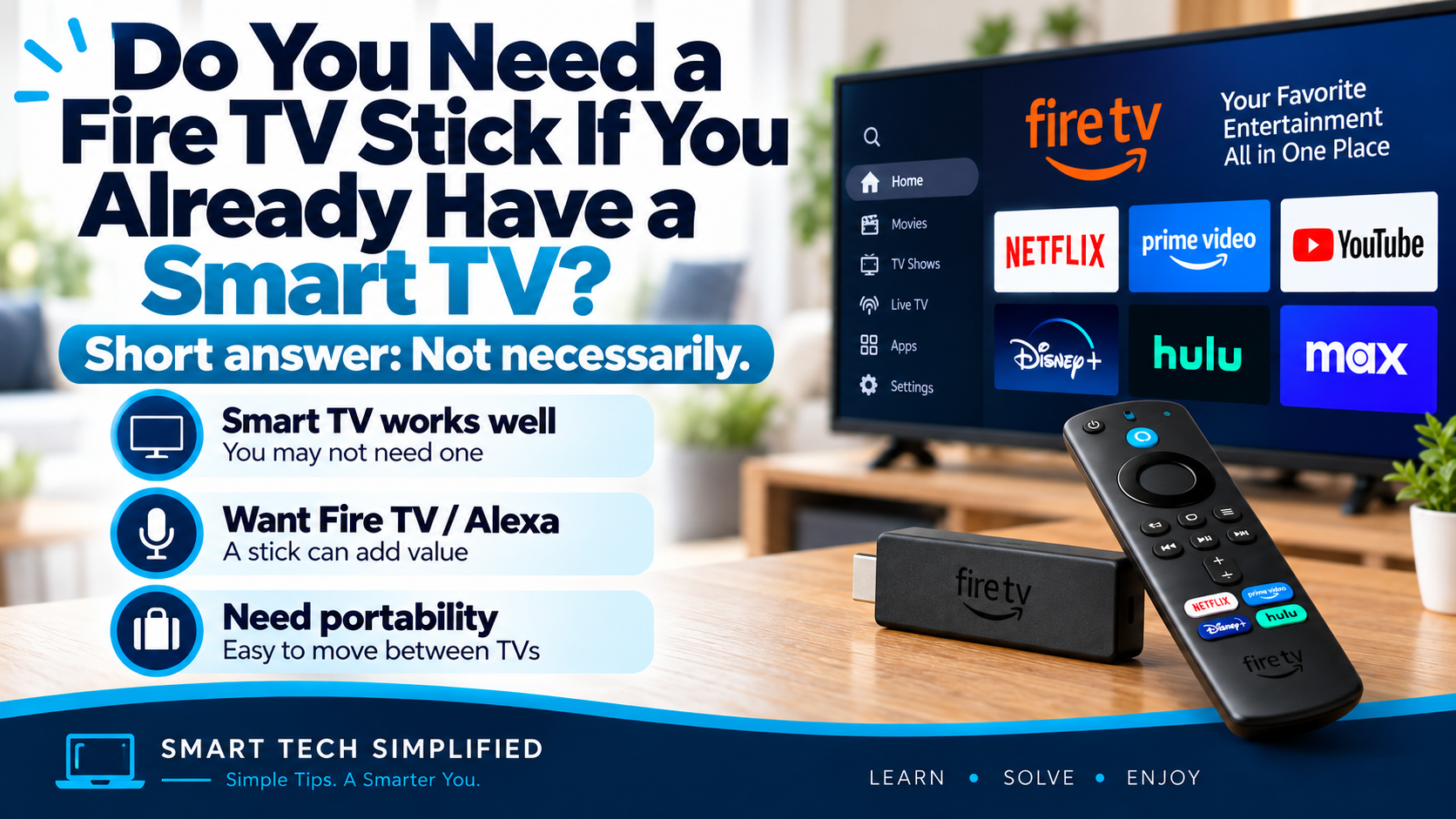
No—you do not need a Fire TV Stick if your smart TV already runs the streaming apps you want reliably. Consider one when your TV’s menus are frustrating, an app you need is missing, or you prefer the Fire TV interface. Check that the specific app is supported before buying.
A quick check before you spend
- Keep using your TV: your favorite apps open, play reliably and are easy to navigate.
- Consider a Fire TV Stick: you want a different streaming interface or a supported app your TV lacks.
- Troubleshoot first: if video buffers, follow our Wi-Fi guide before assuming a new device will solve it.
When a Fire TV Stick May Be Worth Adding
View the Fire TV Stick 4K Plus on Amazon
Your smart TV feels slow or outdated — a Fire TV Stick gives you a separate streaming interface, so you don’t have to rely on the TV’s built-in software.
You want access to compatible Fire TV apps — Fire TV works with supported apps available through the Amazon Appstore, which may include services your TV’s own platform doesn’t offer.
You prefer Alexa voice controls — current Fire TV Sticks support voice interaction through compatible Alexa Voice Remotes, and Fire TV can also work with linked Alexa devices for supported controls.
You want something portable — because a Fire TV Stick connects through HDMI and uses Wi-Fi, it can be moved between compatible TVs more easily than relying on one TV’s built-in platform.
When You Probably Don’t Need One
Your smart TV is already fast and easy to use — if the built-in interface works well, there may be little benefit in adding another streaming device.
You already have all the apps you use — if your TV supports your favorite streaming services, a Fire TV Stick may simply duplicate what you already have.
You don’t care about the Fire TV interface or Alexa features — the extra device is most useful when you specifically want Amazon’s streaming experience and voice controls.
You want to keep your setup simple — using the TV’s built-in apps means one less device, power adapter, remote, and HDMI input to manage.
Before buying: check what your TV is missing
Open the apps you actually watch on your smart TV first. If they work reliably and you find the menus easy to use, keep using them. If a particular app is missing, check that it is available on the exact Fire TV model you are considering before spending money.
If buffering is the main problem, start with our Wi-Fi troubleshooting guide. Adding another streaming device is not a guaranteed fix for an internet connection problem.
Ready to compare your options?
Check your TV’s resolution, available HDMI input, the apps you need and current prices. Use our Fire TV Stick HD vs 4K Select comparison or our 4K Plus vs 4K Max comparison to narrow the choice.
Affiliate link: As an Amazon Associate I earn from qualifying purchases. Check compatibility and current details on the product listing.
Once you have chosen a device, follow our beginner’s Fire TV Stick setup guide. For subscription questions, see Do you need Amazon Prime to use a Fire TV Stick?
Bottom Line
You do not automatically need a Fire TV Stick just because you own a smart TV. If your television already has the apps you want and performs well, you may be perfectly happy without one. A Fire TV Stick becomes more useful when you want a different interface, Alexa controls, access to compatible Fire TV apps, or a portable streaming device you can move between TVs.
Looking for more Fire TV help? Explore our Fire TV & Streaming guides for setup tips, troubleshooting, comparisons, and beginner-friendly advice.
Leave a Reply