
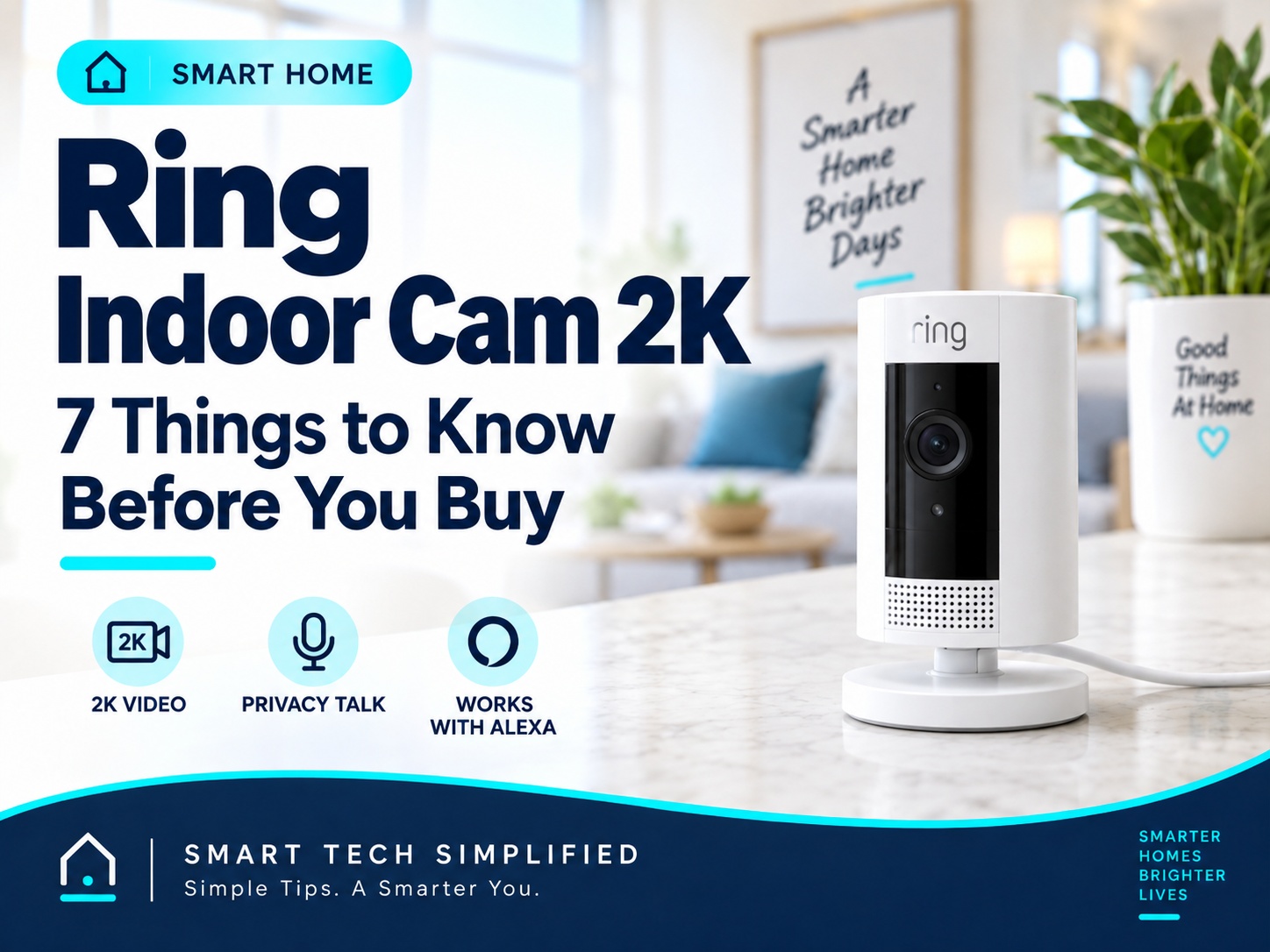
The Ring Indoor Cam 2K is a compact plug-in security camera designed for monitoring rooms inside your home. It records in 2K video, supports two-way talk, includes night vision, and can send motion alerts through the Ring app.
Before buying, it is worth understanding how the video quality, power requirements, Wi-Fi connection, motion detection, privacy controls, subscription features, and Alexa integration work. Here are seven things to know before deciding whether the Ring Indoor Cam 2K is right for your home.
Disclosure: This post contains affiliate links. As an Amazon Associate I earn from qualifying purchases.
View Ring Indoor Cam 2K on Amazon
1. Video Quality and Field of View
The Ring Indoor Cam 2K records in 2K video, providing more detail than Ring’s standard 1080p Indoor Cam. Ring lists a 115-degree horizontal and 60-degree vertical field of view, making it suitable for monitoring rooms, entryways, pets, or other indoor areas.
It also includes night vision, so the camera can continue monitoring when a room is dark. Video quality can still depend on your internet connection, and Ring recommends at least 5 Mbps upload speed for optimal performance with this model.
2. Power and Installation
The Ring Indoor Cam 2K is a plug-in camera, so it needs to stay connected to a standard power outlet. Ring includes a 6.5-foot USB-C power cable and 10W power adapter in the box.
Installation is flexible. You can place the camera on a flat surface, mount it on a wall, or mount it on a ceiling using the included hardware. Ring estimates setup at about 5 to 10 minutes for a typical installation.
Because it is not battery-powered, you do not have to recharge it, but you do need to choose a location close enough to an outlet. Ring also sells a longer 10-foot USB-C power cable if you need more placement flexibility.
3. Wi-Fi Requirements and Setup
The Ring Indoor Cam 2K connects over single-band 2.4 GHz Wi-Fi using Wi-Fi 4. Ring lists a minimum upload speed of 5 Mbps for optimal performance with this model.
Setup is handled through the Ring app. You’ll need a Ring account, your Wi-Fi password, and the camera powered on. In the app, select Set Up a Device, scan the QR code on the camera, and follow the on-screen steps to connect it to your network.
If the camera has trouble connecting, Ring recommends moving it closer to your router and confirming that your phone is connected to the same Wi-Fi network during setup
4. Motion Detection and Alerts
The Ring Indoor Cam 2K includes Advanced Motion Detection with customizable Motion Zones. In the Ring app, you can choose which parts of the camera’s view should trigger motion alerts, which can help reduce unnecessary notifications from areas you do not care about.
Ring lets you create up to three Motion Zones for a device. You can adjust those zones and fine-tune motion settings in the app under Device Settings > Motion Settings.
Because the camera is designed for indoor use, placement matters. Reflections from mirrors or windows, moving shadows, and other activity in the room can sometimes trigger alerts, so adjusting the camera angle and Motion Zones can help make notifications more useful.
5. Live View and Two-Way Talk
The Ring Indoor Cam 2K includes Live View, which lets you open the Ring app and see what is happening inside your home in real time. It can be useful for checking on pets, watching an entryway, or looking in on a room while you are away.
The camera also supports Two-Way Talk with noise cancellation, so you can hear what is happening and speak through the camera using the Ring app.
Ring lists Live View and Two-Way Talk as built-in features of the Indoor Cam 2K. Recording and reviewing saved video clips depends on your Ring subscription plan, which we’ll cover in the next section.
6. Privacy Controls and Ring Subscription Features
The Ring Indoor Cam 2K includes a removable lens cover that can physically block the camera’s view. Ring says the cover also muffles the microphone, and you can fully disable the microphone separately in the Ring app for additional privacy. You can also create Privacy Zones to black out areas you do not want the camera to monitor.
You can use the camera without a Ring Protect subscription for core features such as Live View, Two-Way Talk, and real-time notifications. Without a subscription, however, you cannot go back and review missed video events or save and share recorded clips.
A compatible Ring Protect plan can add features such as video event history for up to 180 days, Smart Alerts, Multi-Cam Live View, Video Descriptions, and other advanced features depending on the plan and region.
7. Alexa Integration and Who It’s Best For
The Ring Indoor Cam 2K works with Alexa-enabled devices. After linking your Ring and Amazon accounts, you can use compatible Echo Show devices, Fire TV, or Fire Tablets to view the camera’s Live View with voice commands. Alexa can also provide Ring camera alerts on supported devices.
This camera is a good fit for people who want a simple plug-in indoor camera for areas such as an entryway, living room, pet area, or home office. Its 2K video, motion alerts, two-way talk, removable lens cover, and Alexa compatibility make it especially useful for households already using Ring or Alexa products.
It may be less appealing if you want a completely wireless camera, since it must remain plugged into a power outlet, or if you want recorded video history without paying for a subscription.
Who Is the Ring Indoor Cam 2K Best For?
The Ring Indoor Cam 2K is best suited for people who want a compact indoor security camera with sharper 2K video and simple plug-in power. It works well for monitoring entryways, living rooms, pet areas, home offices, or other indoor spaces where you want Live View, motion alerts, and two-way communication.
It is especially useful for households that already use Ring or Alexa devices, because it can fit into the same app and smart-home ecosystem. The removable lens cover and privacy controls are also useful if you want a visible way to block the camera when you are home. (ring.com)
It may not be the best fit if you need a battery-powered camera or if you want recorded video history without a subscription.
Conclusion
The Ring Indoor Cam 2K offers a straightforward way to monitor indoor spaces with sharper video, motion alerts, Live View, two-way talk, and Alexa integration. Its plug-in design also means you do not have to worry about recharging batteries.
The biggest things to consider before buying are the 2.4 GHz Wi-Fi requirement, need for a nearby power outlet, and Ring subscription costs if you want recorded video history and advanced features. For households already using Ring or Alexa products, it can fit naturally into the same smart-home setup.
If you want a compact indoor camera with 2K video and simple setup, the Ring Indoor Cam 2K is worth considering.
Leave a Reply