
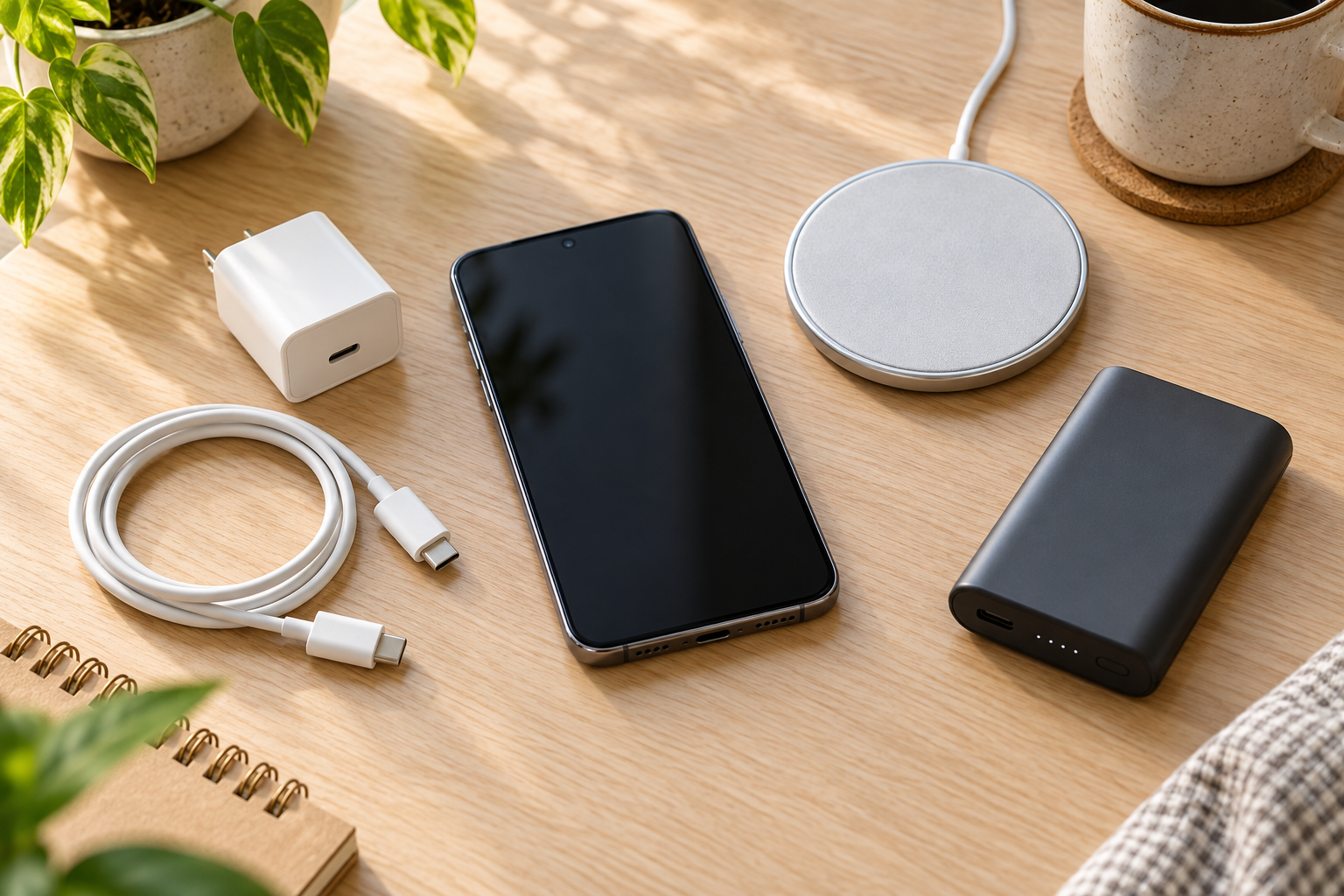
Choosing a phone charger starts with a simple question: where do you need power most often? A cable and wall adapter work well near an outlet, a wireless pad can make a desk or nightstand convenient, and a power bank helps when you are away from home. Before buying any of them, check what your particular phone supports.
Affiliate disclosure: This post contains affiliate links. As an Amazon Associate, Smart Tech Simplified may earn from qualifying purchases at no extra cost to you.
Start With Your Phone
Check your phone model, charging port, and whether it supports wireless charging. For example, Apple recommends a USB-C cable for faster wired charging on iPhone 15 models and later, while iPhone 14 models and earlier use a USB-C to Lightning cable. Charging speeds also depend on the phone and the equipment connected to it. A large watt number printed on a charger or cable is a maximum rating, not a promise that your phone will charge at that speed.
Choose a Cable and Wall Adapter for Everyday Charging
If you usually charge near a wall outlet, start with a cable that fits your phone and an adapter that supports the charging method your phone uses. USB Power Delivery (USB PD) is one common fast-charging standard for compatible USB-C devices. Check both ends of the cable and the adapter’s ports before ordering. If you want to charge several devices at once, read the adapter’s per-port ratings; the available power can change when multiple ports are in use.
A cable labeled “240W” can still be used with a compatible phone, but that label describes the cable’s supported maximum. The phone, adapter, and charging protocol determine what the phone actually receives. If you are unsure, follow your phone maker’s charger recommendations.
Choose a Wireless Pad for a Convenient Charging Spot
A wireless pad can be useful on a desk or bedside table. First confirm that your phone supports the pad’s charging standard. Magnetic chargers also need the right phone or compatible case for secure alignment. Qi2 uses magnetic alignment on compatible devices; a pad still needs its own power source, and the charging speed depends on the phone, pad, and adapter together. Check whether the wall adapter is included in the box.
Choose a Power Bank for Time Away From an Outlet
For long days out, compare a power bank’s output ports, included cable, capacity, size, and weight. Make sure it has an output your phone can use and a practical way to recharge the bank itself. More capacity usually means more to carry, so choose for the trips you actually take.
If you fly, check the battery’s watt-hour (Wh) rating before packing. The FAA says power banks belong in carry-on baggage. Most lithium-ion power banks are limited to 100 Wh; larger ones from 101 to 160 Wh require airline approval, and those above 160 Wh are prohibited on passenger aircraft. The large power bank in our accessories roundup is described as not approved for air travel, so treat it as a road-trip or home-backup option.
A Quick Buying Check
- Does the cable connector fit your phone?
- Does your phone support the wireless pad or fast-charging standard?
- Is a wall adapter included, or do you need to buy one?
- Will a wireless pad work with your phone case?
- If you plan to fly, is the power bank’s Wh rating within airline rules?
Charging Products to Consider
Find a product in this guide — tap to jump
Choose a product below to jump straight to its description and Amazon button.
LISEN Magnetic USB-C Charging Cable, 2-Pack
Best for: People who want a USB-C cable that stays within reach on a desk or nightstand.
RICHJOY 67W GaN Wall Charger
Best for: People who want a compact charger with three ports and a foldable plug.
ZEEHOO Charging Pads, 2-Pack
Best for: Compatible iPhone owners who want charging spots in two places.
LOOPEAK 50,000mAh Power Bank
Best for: Road trips, camping, or backup power away from an outlet. Not for air travel.
Start with the charging problem you have most often. For examples of cables, a wall charger, wireless pads, and a power bank, see our phone accessories guide. Check each product listing and your phone model before ordering.
Leave a Reply