
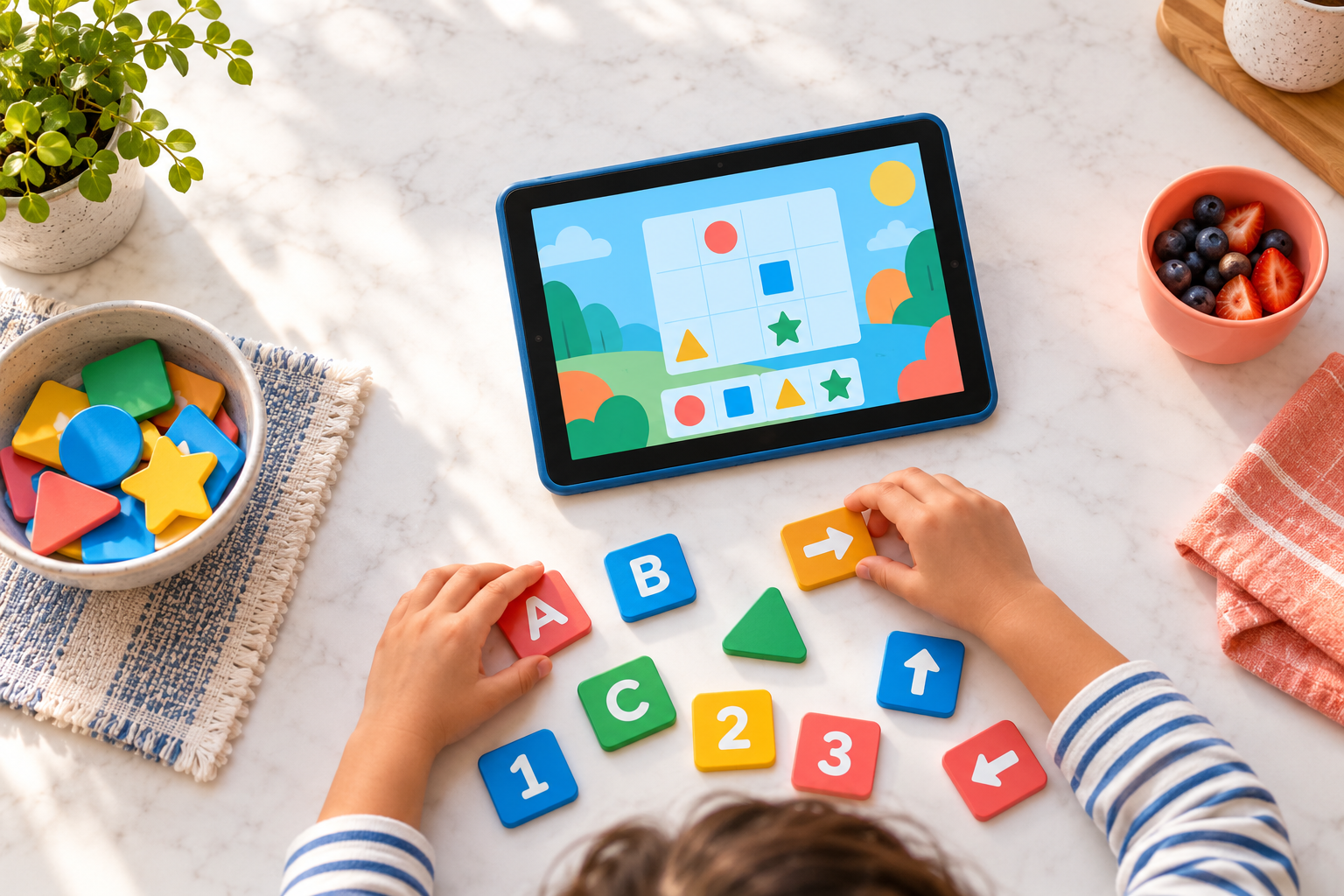
Osmo games pair physical tiles and pieces with an app on a compatible tablet. If you are choosing one for a child who uses a Fire tablet, start by checking the tablet model and the kit’s age range.
Affiliate disclosure: This post contains affiliate links. As an Amazon Associate, Smart Tech Simplified may earn from qualifying purchases at no extra cost to you. This is a product overview based on published specifications, not a hands-on review.
Find a product in this guide — tap to jump
Choose a product below to jump to its details or Amazon link.
How Osmo Works
The tablet sits in an Osmo base with a reflector over its camera. The app responds to physical pieces placed in front of the tablet, so children can work through games with their hands as well as on the screen. The Fire tablet itself is sold separately.
Featured Kit: Osmo Genius Kit for Fire Tablet
Best for: Children ages 6–10 who would enjoy hands-on spelling, math, puzzles, and creative activities. This Fire version lists five games and includes the Osmo Fire base. Check the exact contents and age guidance on the product page before ordering.
Another Option: Osmo Coding Kit for Fire Tablet
Best for: Children ages 5–10 who enjoy sequencing and puzzle-based coding activities. This Fire version lists three games and includes the Osmo Fire base. The tablet is sold separately.
Check Your Fire Tablet Before Buying
- Find the model and generation. Osmo supports select Fire tablets. Check your model against Osmo’s current device list; the minimum Fire OS version listed there is 7.
- Match the base to the device. Fire and iPad Osmo bases and reflectors are different and cannot be swapped.
- Check the kit type. A starter kit includes a compatible base and reflector; some add-on games require a base you already own.
- Check the game. Osmo says its Math Wizard series is not compatible with Fire tablets.
For a gift, confirming the child’s tablet model first is the simplest way to avoid buying a kit that cannot be used right away.
Leave a Reply