
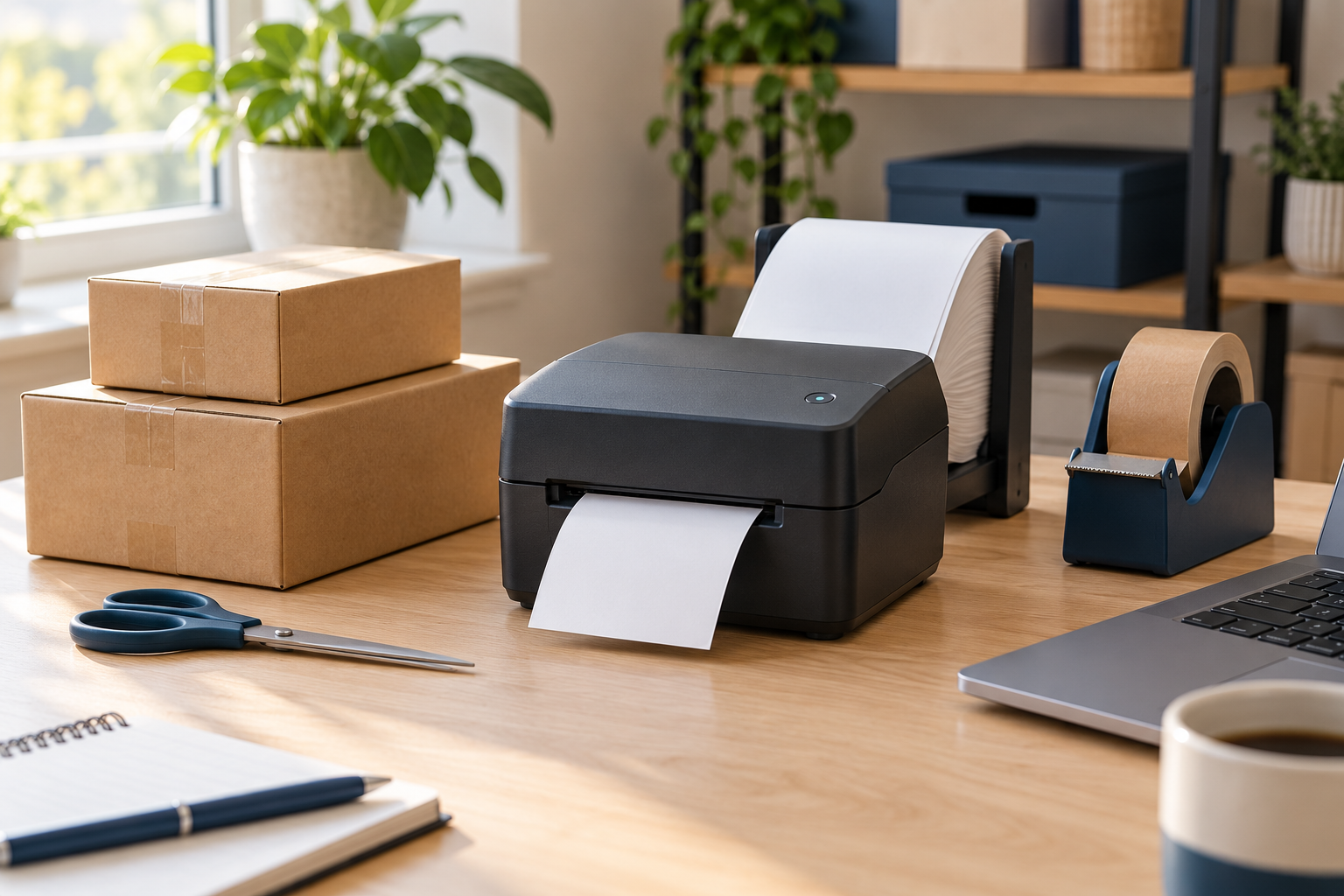
Shipping orders from home? Start by comparing the printer’s label storage, connection options, and refill requirements. These two Phomemo models offer different ways to arrange a packing desk.
Affiliate disclosure: This post contains affiliate links. As an Amazon Associate I earn from qualifying purchases at no extra cost to you. We may also earn additional commission through Amazon Creator Connections.
This is a comparison based on manufacturer information and supplied product listings, not a hands-on review. Confirm the exact Amazon bundle and device requirements before ordering.
Two Shipping Label Printers to Compare
Find a product in this guide — tap to jump
Choose a product below to jump straight to its description and Amazon button.
Phomemo PM64D
Best for: A compact touchscreen shipping-label printer. The supplied bundle lists a holder and 500 labels; confirm your selected option.
Phomemo D420D
Best for: A touchscreen shipping-label printer with a built-in label bin. Compare Bluetooth and USB setup requirements for your device.
More Shipping & Labeling Options
Affiliate links below — I may earn a commission from qualifying purchases. Compare the selected listing’s specifications and instructions before buying.
Phomemo Pink 4×6 Labels, 250 Sheets
Pink direct-thermal labels supplied as 250 stacked sheets. Confirm your printer accepts 4×6 media and test barcode readability before using colored shipping labels.
Phomemo Clear 4×3 Labels, 200 Pieces
Transparent adhesive thermal labels for compatible labeling workflows. Confirm printer support for clear media, label sensing, and the 4×3-inch size before ordering.
Phomemo D422S Printer & Scale
Thermal shipping-label printer listed with Bluetooth, an integrated scale, and label storage. Check device support, app requirements, weighing limits, and supported label media.
Another Label Printer with Internal Storage
Affiliate links below — I may earn a commission from qualifying purchases. Compare the selected listing’s specifications and instructions before buying.
Omezizy D520BT Label Printer
Bluetooth shipping-label printer listed with an internal label bin. Confirm device/app support, 4×6 label compatibility, and your shipping platform’s label-export workflow.
The Main Difference: Where the Labels Go
The PM64D bundle uses a separate holder, so allow space for both the printer and its label supply. The D420D’s integrated compartment keeps the labels inside the unit. Choose the arrangement that fits your packing area, rather than judging the printer’s size alone.
Check Your Printing Workflow
Phomemo describes both models as direct thermal printers with Bluetooth and USB connectivity. They do not need ink or toner, but you still need compatible thermal labels. Check the required app or driver for your phone or computer and the label format exported by your selling or shipping platform.
Before You Buy
- Confirm support for the label size you use, including 4×6 shipping labels.
- Check whether the selected bundle includes labels, a holder, and the correct power adapter.
- Compare replacement-label costs and available desk space.
- Check setup instructions for your exact operating system.
- Compare the final checkout price. A printer purchase does not itself guarantee discounted postage.
Which Should You Consider?
Compare the PM64D if you prefer a compact printer with a separate label holder. Compare the D420D if keeping the label supply inside the printer suits your workspace. Neither is a confirmed winner for print quality or reliability here; we have not tested them side by side.
Need labels for drawers, files, or cables instead? See our label-maker guide for home and office. For other desk upgrades, browse our home-office accessories guide.
Product Information Sources
Phomemo PM64D manufacturer information · Phomemo D420D manufacturer information. Regional bundles may differ; use the Amazon buttons above to check the linked versions.
Leave a Reply